
Jan 9
Suggestion to start test session when user clicks a bug below "Bugs you can reproduce" section on dashboard (if there is no active test session).
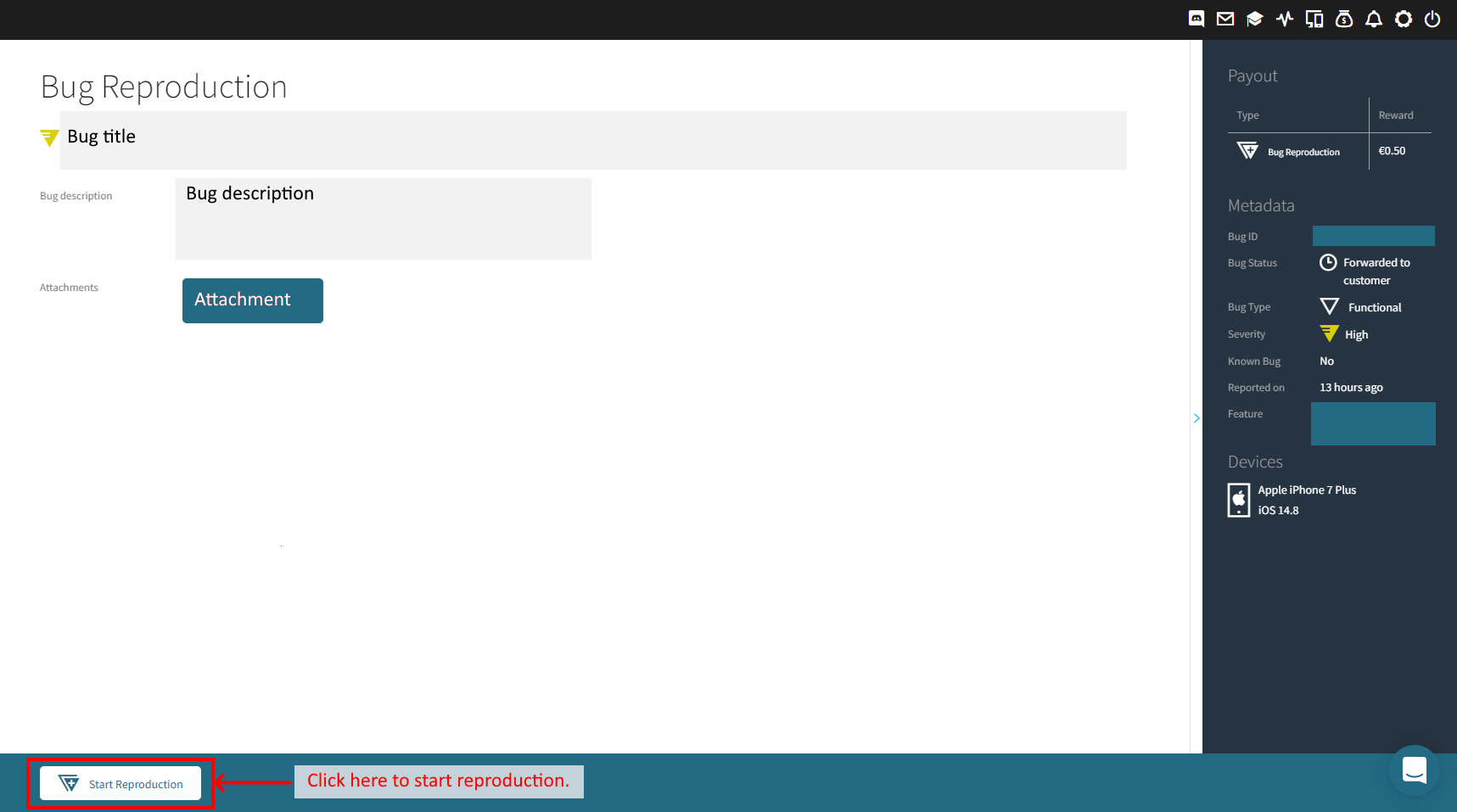
Currently when there is no active test session and user clicks a bug below "Bugs you can reproduce" section on the tester's dashboard, user sees "Bug Reproduction" page with "Start Reproduction" button at the bottom (see the first image).
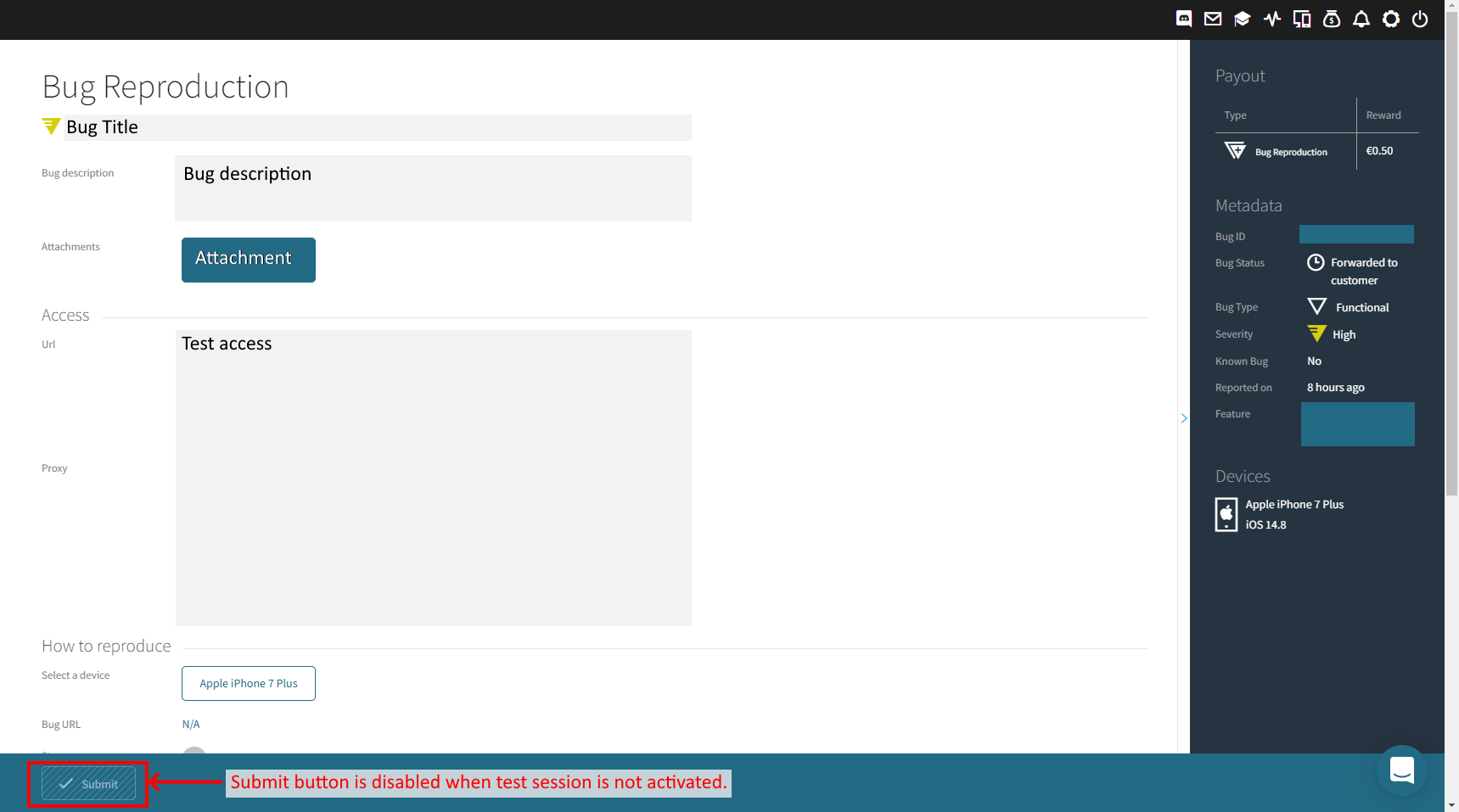
After clicking this button, user sees "Bug Reproduction" detail page, where user can select reproduction type (i.e. "Yes" or "No"), select device/browser used for reproduction, add attachment(s), and submit reproduction (see the second image).
However, the "Submit" button is not activated by default. User needs to navigate to the pages of the test involved (i.e. where the bug is reported) to manually start the test session before the submission of the bug reproduction can be done.
Therefore, I suggest to start test session for the test involved (e.g. with minimum test duration: 20 min) after clicking a bug from "Bugs you can reproduce" section then clicking "Start Reproduction" button if currently there is no active test session. This helps testers focus on understanding the bug and then perform bug reproduction more quickly.
If there is already an active session running, this can be done by showing the top banner "You already an active session running", with a "Back to Active Session" button on "Start Reproduction" page.
The whole idea is very similar to how Bug Fix/Report Confirmation is currently implemented.
Completed